Understanding Verified vs. Unverified Listings in Business Catalogs
When you’re searching for a business online, you might notice some listings have a special badge or checkmark while others don’t. This isn’t random—it’s a trust signal that tells you something important about that business. Let’s break down what these badges mean and why they matter for your shopping and hiring decisions.
What Are Verified and Unverified Listings?
A verified listing means the business has confirmed its identity and information with the platform. Think of it like showing your ID at a bank—the platform has checked that the business is real and that the details are accurate.
An unverified listing hasn’t gone through this confirmation process yet. This doesn’t necessarily mean the business is fake, but it does mean the platform hasn’t independently confirmed the details.
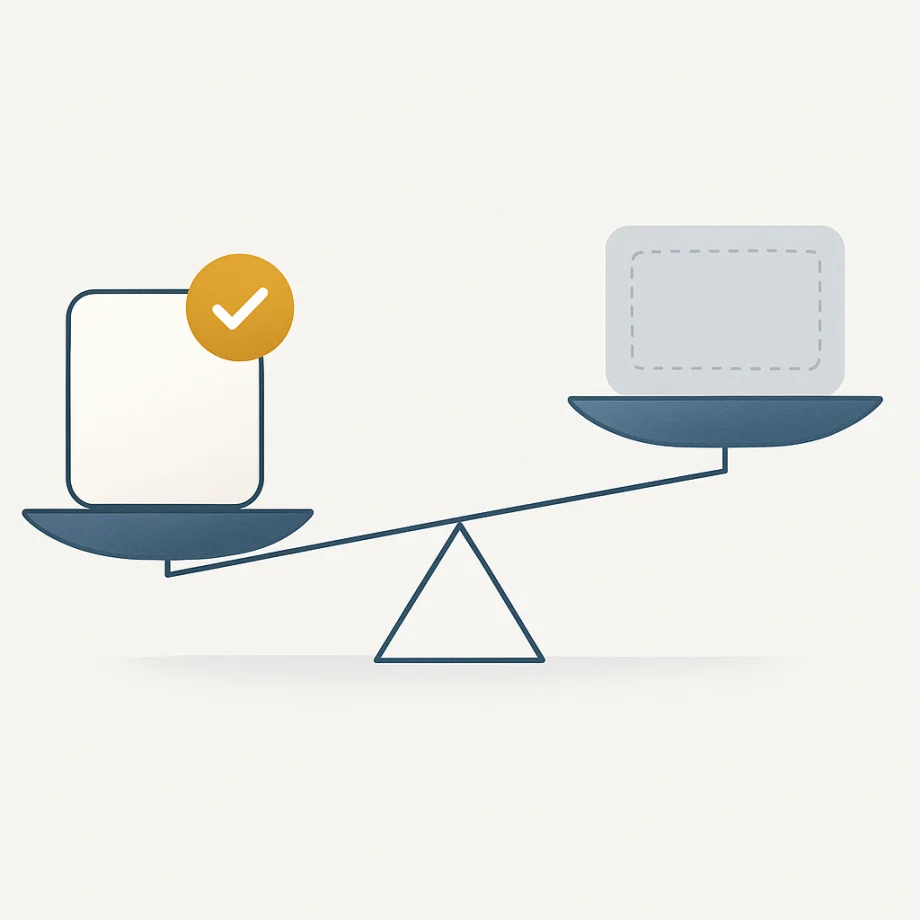
Here’s a quick comparison:
- Verified: Business identity confirmed, information validated, trust badge displayed
- Unverified: Information not yet confirmed by the platform, no trust badge
Why Verification Matters
Verification serves as a protective layer for both customers and legitimate businesses. Here’s why it’s worth paying attention to:
- Fraud Prevention: Verification reduces the risk of scams and fake businesses cluttering search results
- Accurate Information: You can trust that phone numbers, addresses, and hours are correct
- Business Credibility: Verified businesses show they’re willing to stand behind their information
- Better Customer Experience: Real reviews and ratings are more meaningful when attached to verified accounts
When you see that checkmark or “Verified” badge, it’s a green light that you’re dealing with a legitimate business that’s been vetted by the platform.
How to Check Verification Status and What to Do Next
Finding out if a listing is verified is usually simple. Most platforms display a badge, checkmark, or “Verified Business” label prominently on the listing. Look for these indicators:
- A checkmark icon next to the business name
- A “Verified” or “Claimed” label
- A special badge in a distinct color (often blue or gold)
- Information about when the business was verified
If you find an unverified listing: Don’t panic. Many newer or smaller businesses haven’t completed verification yet. You can still:
- Check other review platforms to cross-reference information
- Call the business directly to confirm details
- Look for independent reviews from established sources
- Search the business name and location online
If you’re a business owner: Getting verified is usually straightforward. Most platforms offer a simple verification process that takes just a few minutes. You’ll typically need to provide your business name, address, and phone number. Some platforms may ask for additional documentation like a business license or tax ID.
The bottom line? Verified listings offer extra peace of mind, but they’re not the only factor to consider. Use verification as one tool among many—including reading reviews, checking multiple sources, and trusting your instincts—to make smart decisions about which businesses to trust.